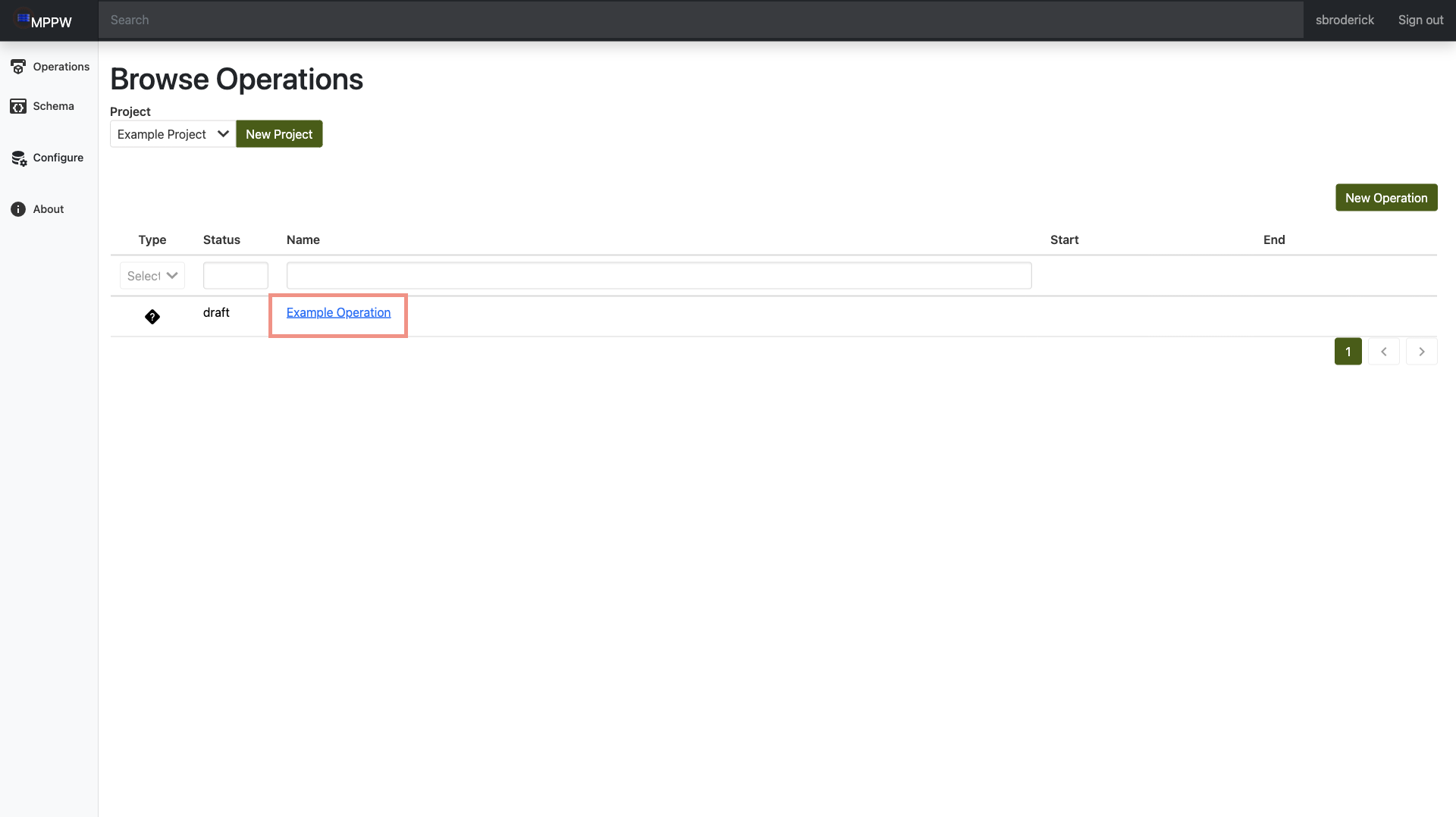
Add Operations
- Navigate to the site and login.
-
Select
Operationson the side navigation to open theBrowse Operationspage.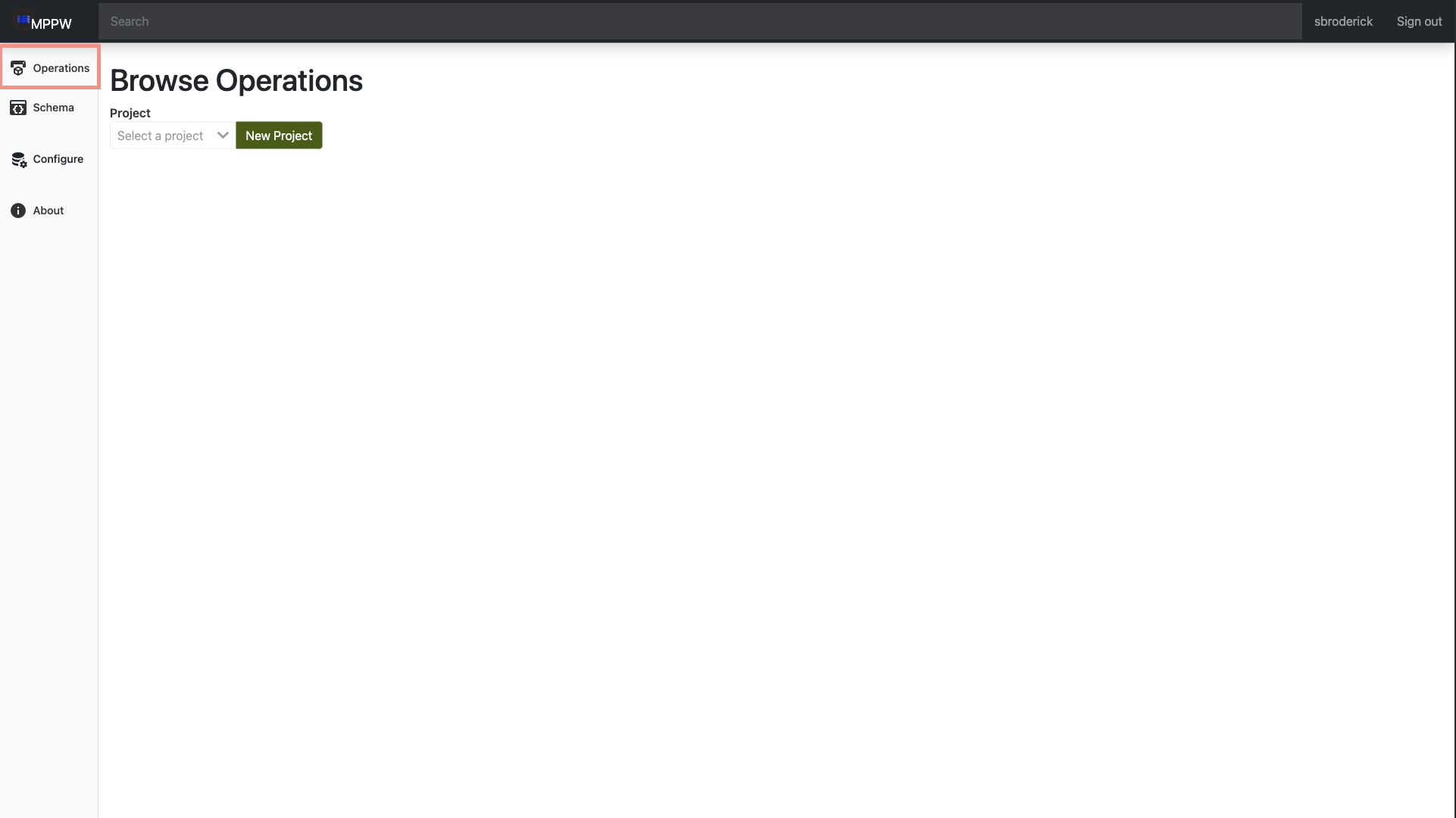
-
Using the dropdown, select the project you would like to add an operation to.
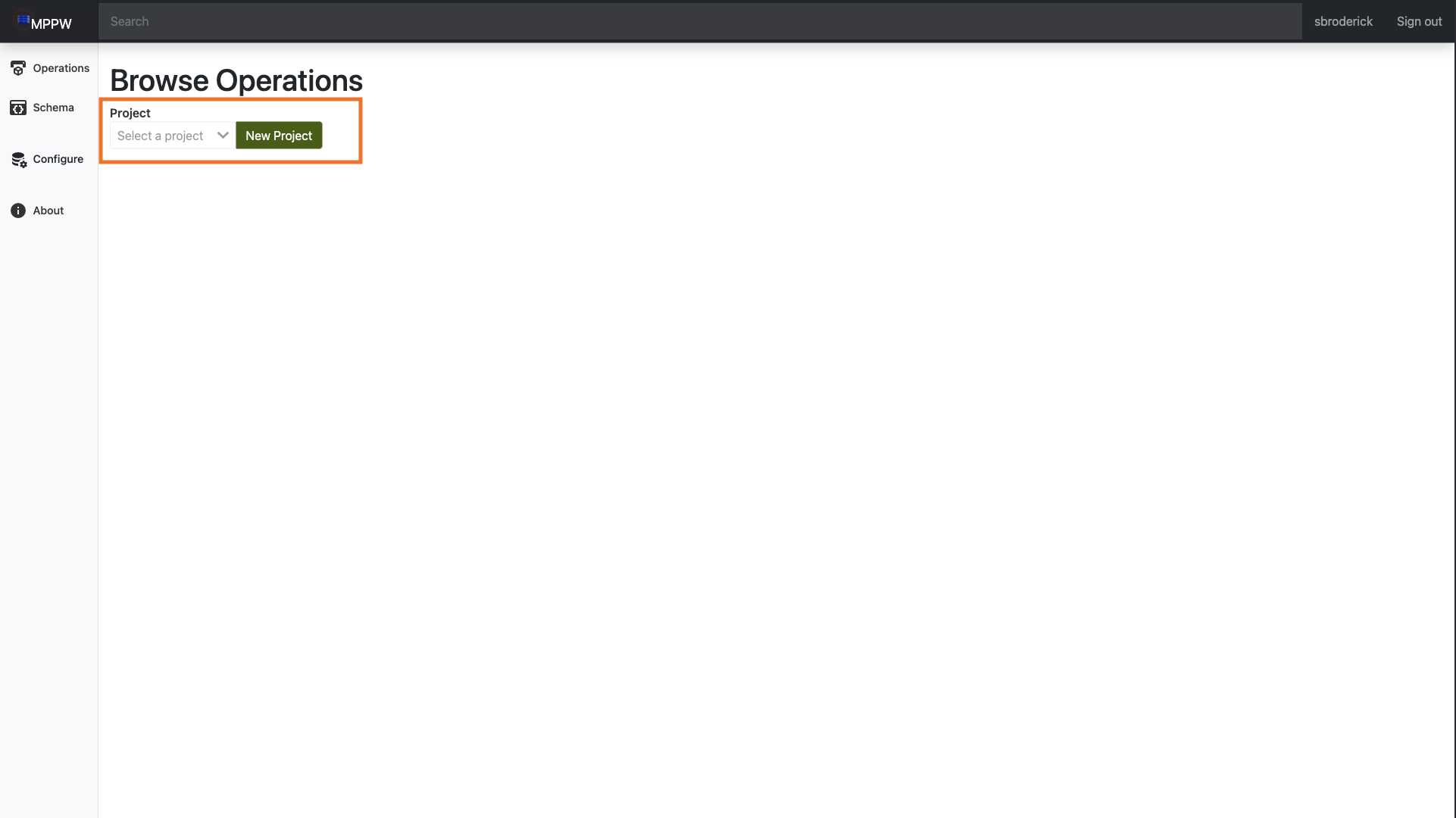
- If the project does not exist yet, click the
new projectbutton to the right of the dropdown. This will open a prompt allowing you to name and describe the project. After that, it will be available in the dropdown for project selection. - Use the
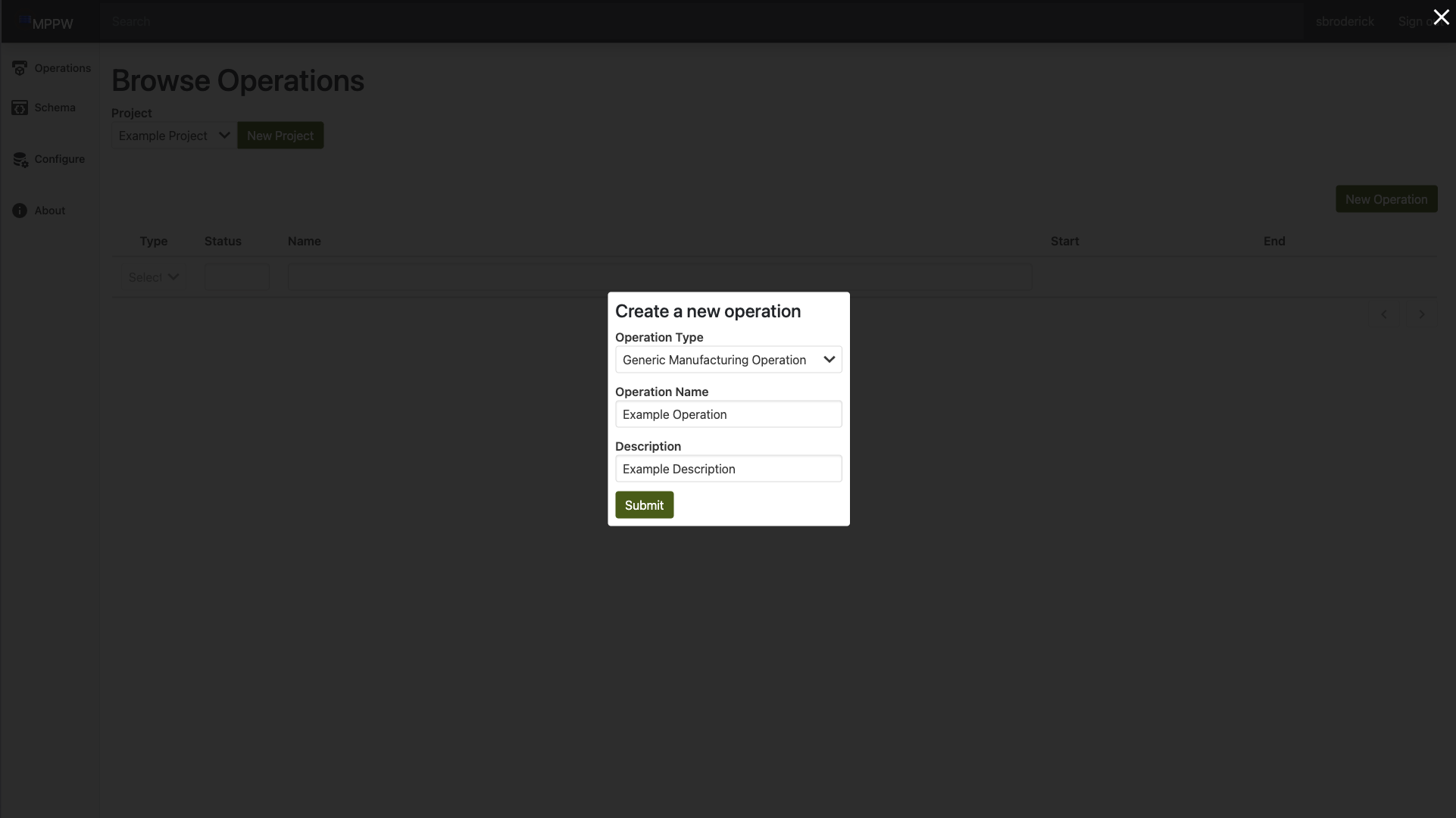
New Operationbutton on the right to open a prompt allowing you to name and describe the operation, as well as select theoperation typefrom the dropdown.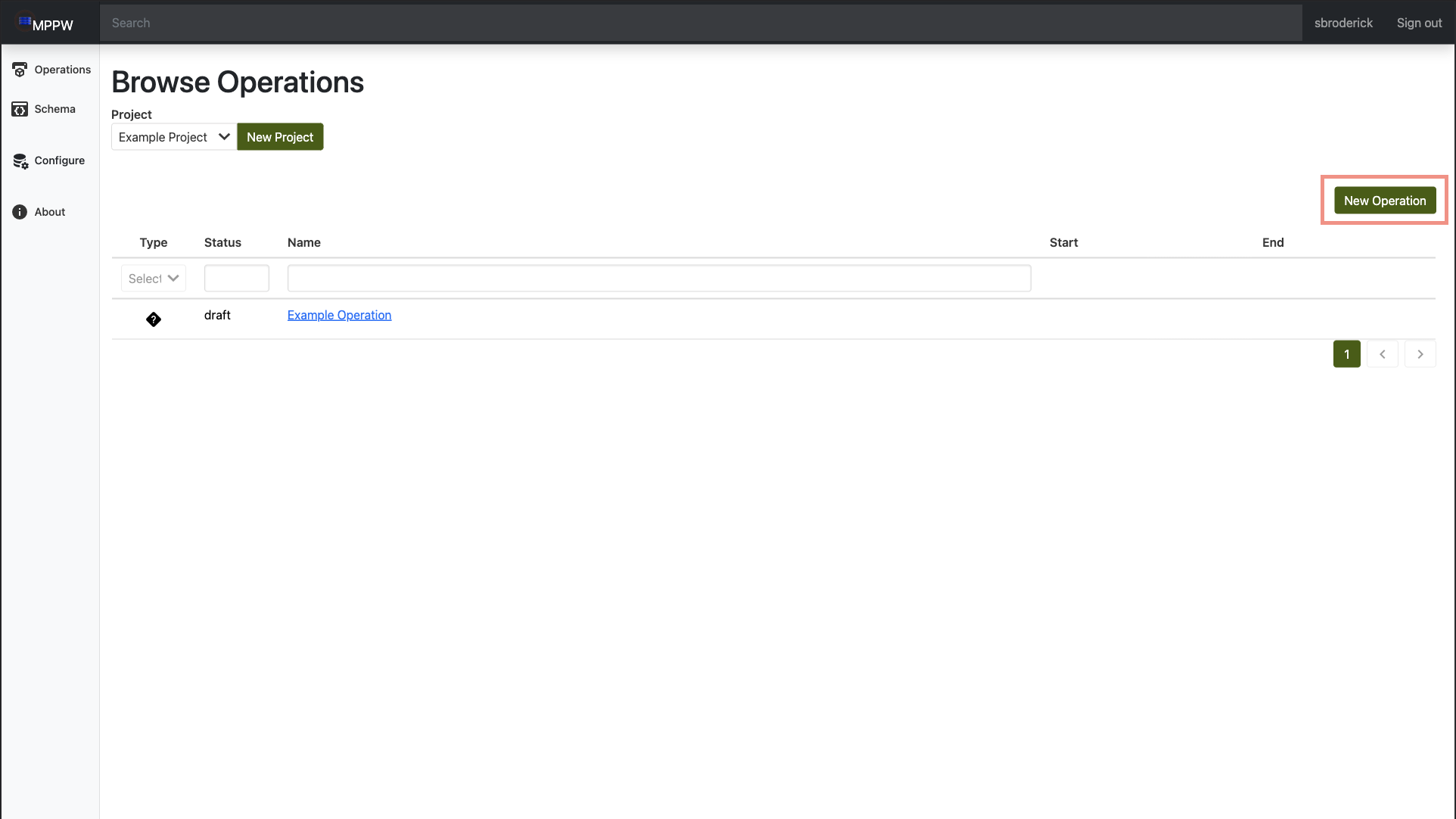
- If you would like to use a operation type not included here, selecting
schemaon the side nav will allow you to go and create your own operation type. - Once you hit
submit, your operation will be created and added to the project. To see more, click on the operation name to open the operation details page.